Subagents
Intent
Subagents specialize in task-specific workflows that run in their own context window.
Problem
Imagine you are working on a new screen that involves many types of tasks: business logic, networking calls, and UI. You might have documentation for each of these, so to develop a single screen, you need to load the context window with a lot of information.
Solution
Subagents allow you to split the work across multiple agents, each with its own context window. The main agent will call them, and the subagents will only return the results, keeping the context of your session lightweight.
Your agent in charge of building the view will know everything needed about UI, but nothing about networking. The one in charge of requesting data from the endpoint will know everything needed about networking, but nothing about UI. This separation of concerns also enables you to have many subagents working in parallel.
The main agent serves as the orchestrator, creating subagent instances as needed. You only need to describe when each subagent should be used.
Real World Analogy
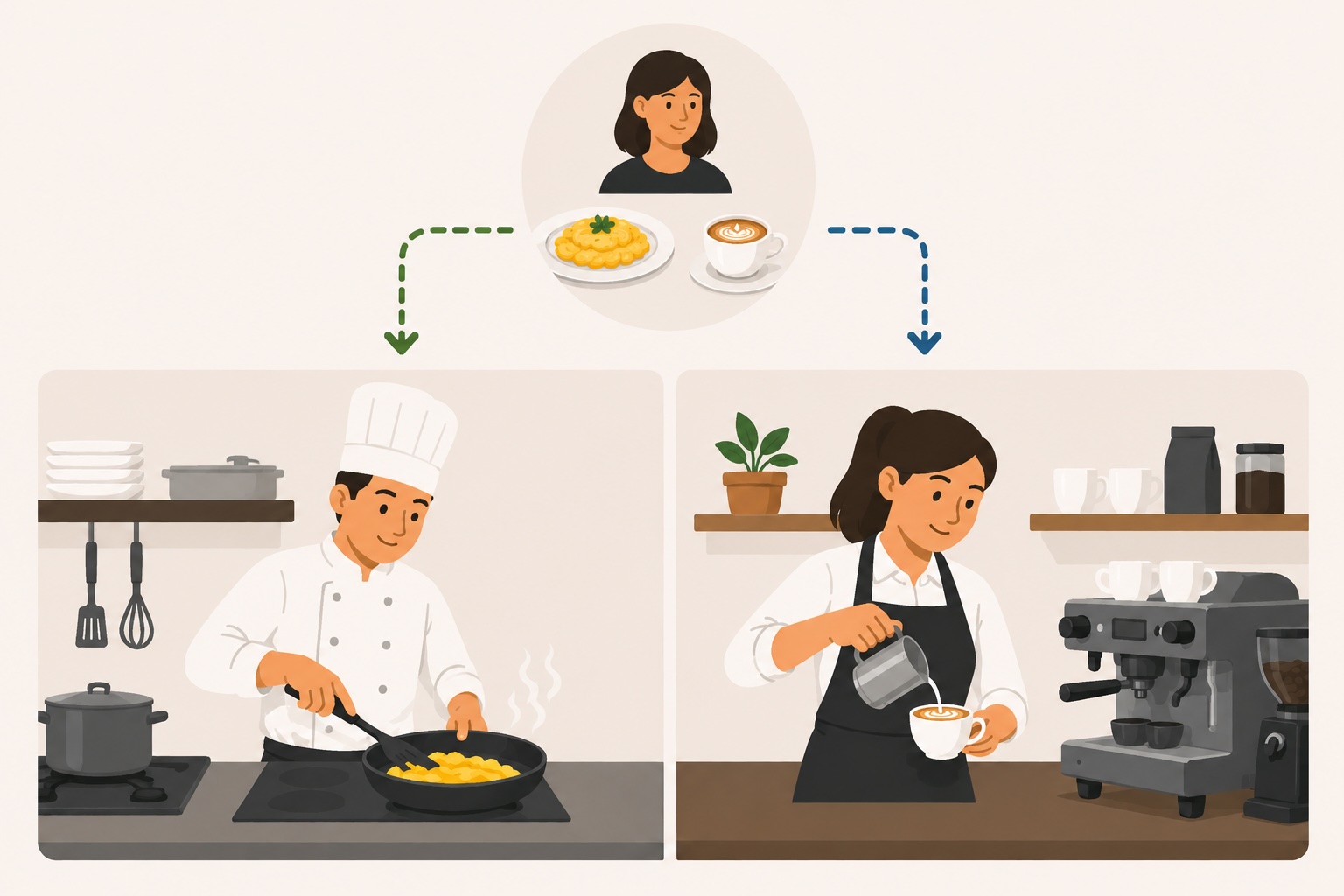
Imagine you have a restaurant with chefs and baristas. You don't need to train the baristas in cooking, and you don't need to train the chefs in making coffee. Each one is an expert at their own tasks, and they can work in parallel. So if a customer orders a coffee and scrambled eggs, both the chef and barista can work at the same time.
Anatomy of a Subagent
Each subagent is defined in a single file, named after the subagent itself.
Directory Structure
.agents/
└── agents/
    └── <agent-name>.md
Subagent Structure
The file has a header with metadata and a body with instructions.
---
name: <agent-name>
description: What it does and when to use it
tools: Read, Bash # Or anything you need
---

Instructions go here.
At first glance, the subagent file appears simple, but it can call Skills, MCPs, and more. You don't need to describe everything in the subagent file; instead, describe its boundaries for parallel use and the Skills or MCPs it can use.
Tips
- ✓A subagent with a limited scope lets many run in parallel.
Example
In this example, we will see a UI subagent that uses a skill to get extra context.
Directory
.agents/
└── agents/
    └── ui-builder.md
ui-builder
---
name: ui-builder
description: Builds SwiftUI views and their view models following the project's MVVM conventions. Use when creating or modifying a screen's UI layer.
tools: Read, Edit, Write
---

You build the UI layer for a feature: the SwiftUI view and its view model.

Follow the `mvvm-pattern` Skill for all architecture decisions — layer
boundaries, state exposure, and dependency injection.

Scope:
- Build only the view and view model.
- Do NOT write networking or persistence code. Assume a service is
  injected into the view model and call it through its interface.
- If you need to know a service's interface, read its protocol
  definition; do not implement it.
Pros and Cons
👍 Pros
- +You can keep the orchestrating session lightweight, since each subagent works in its own context window and returns only the result.
- +You can run subagents in parallel when their scopes don't overlap.
👎 Cons
- −Splitting work across context windows means the subagents don't see each other's reasoning, so they must coordinate through clean interfaces.
- −Spawning a subagent has overhead, so for a small task a single agent is often cheaper and faster.