Token Budgeting
What it is
The context window has a fixed size, so everything you want the model to see has to share it. Token budgeting is just deciding what to put in that space and what to leave out.
Think of it like a budget you spend each turn. Every token you give to instructions, past messages, or pulled-in files is a token you can't use for something else. And the model re-reads the whole thing on every turn, so anything you put in keeps costing you.
Real World Analogy
Think of packing a single carry-on. The bag is one fixed size, so you pack what the trip actually needs and leave the "just in case" pile at home; overstuff it and the zipper won't close. Token budgeting is packing that bag: the context window is the carry-on, and every file or message competes for the same space.
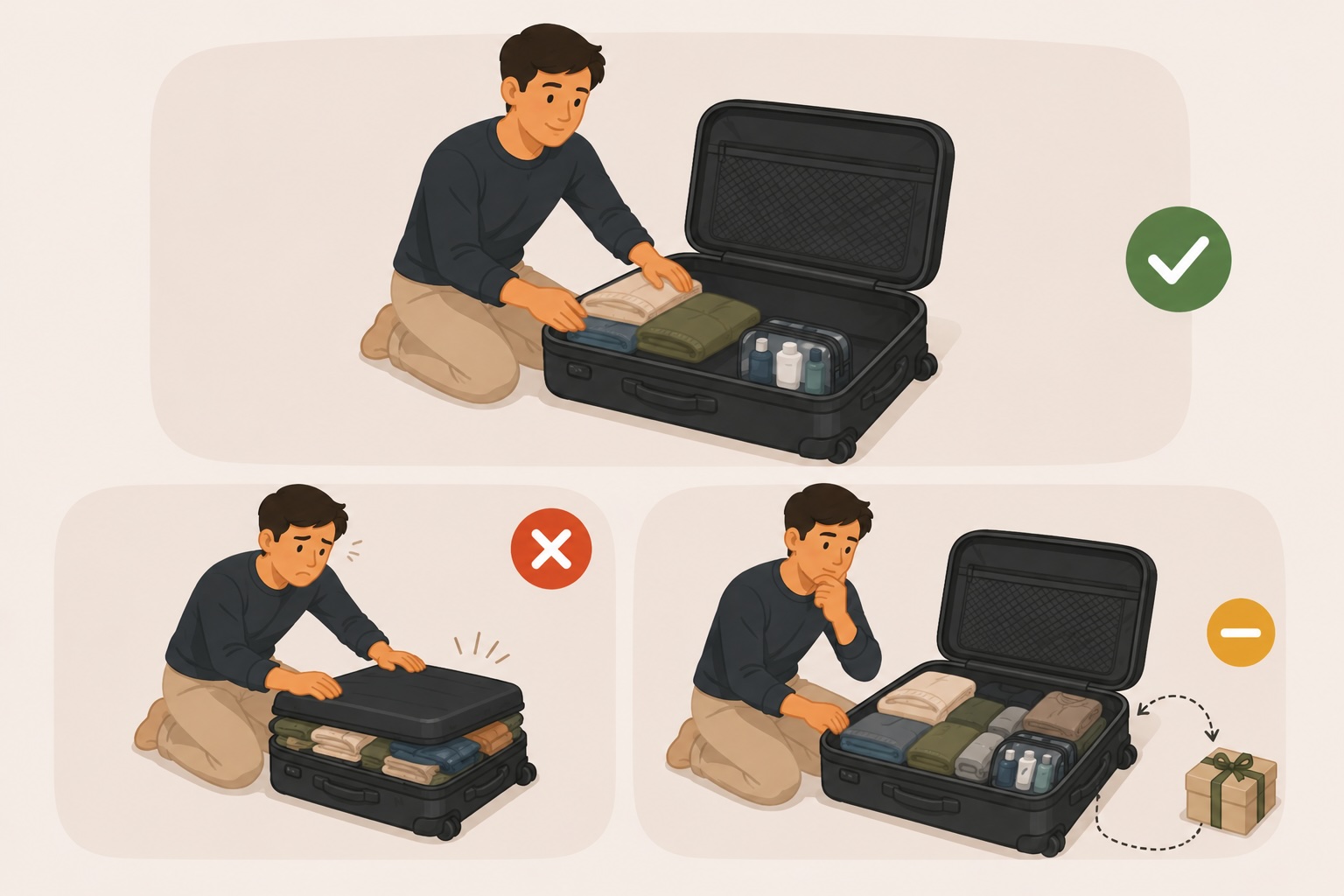
The real limit is smaller than the advertised one
A model might advertise a 200K-token window, but that's the hard ceiling, not the amount you can actually use well. Models get less reliable as the context fills up — that's Context Rot — so the space where the model still does good work is smaller than the number on the spec sheet. Plan around that smaller, practical limit.
This is why "just give it more context" backfires. Beyond a certain point, extra tokens make the model slower and more error-prone, rather than smarter. What you want is the smallest amount of context that still answers the question well (Anthropic, 2024).
Where the tokens go
A few things compete for the same space, and they grow at different rates:
- System prompt and tool definitions: Paid every turn, used or not. A huge list of tools costs you on every request.
- Conversation history: Keeps growing as the chat goes on. In a long session, this is usually what fills the window.
- Files and search results: The easiest thing to overload, because it's tempting to paste in more than the task actually needs.
- Room for the reply: Set aside up front. Too little and the answer gets cut off; too much and there's no room left for input.
Budgeting is dividing the space across all of these — not just shrinking any single one.
Budgeting in practice
A few habits do most of the work:
Pull in what you need
Pasting in whole files "just in case" is the fastest way to blow the budget. Fetch the specific parts the task needs instead. This keeps the useful tokens in and the noise out, which saves space and helps the model focus (Lewis et al., 2020).
Trim the history as it grows
History is the part that grows every turn, so it's where cleanup pays off most. Summarize older messages and drop what's no longer needed, freeing up space without losing track of the conversation.
Load things only when you need them
Context you load early sits there taking up space the whole session. Wait to pull something in until the step that actually uses it, then let it go. That way the window holds what the task needs right now, not everything it might touch later.